
What Is a Human Machine Interface? Types and Plant Applications

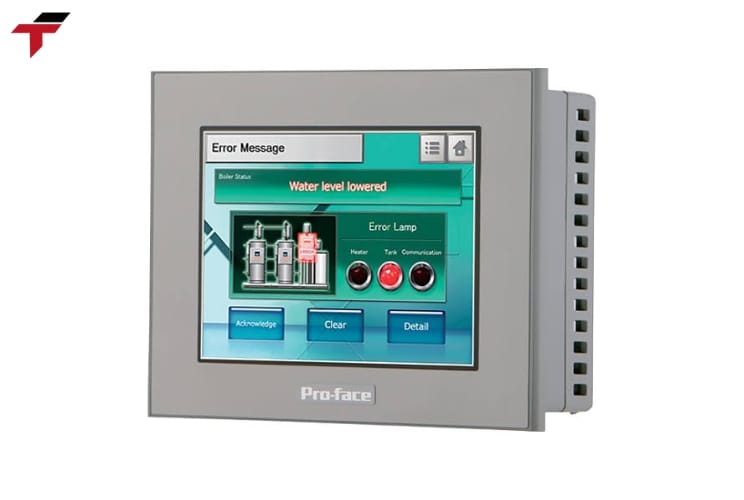
A Human Machine Interface (HMI) is the screen or panel that lets a plant operator see and control what a machine is doing — the touchscreen mounted beside a conveyor, the display panel on a packaging line, or the software console showing tank levels in a water treatment plant. In Malaysian manufacturing — semiconductor assembly in Penang, palm oil processing, food and beverage production, rubber and glove lines — an HMI is the single point where a PLC’s raw data becomes something an operator can actually read and act on. Most industrial HMIs connect directly to a PLC, drawing on I/O data to display machine status and pass operator commands back down the line.
This guide covers what an HMI is and how it differs from a GUI, how it works with a PLC, how HMI relates to SCADA, the three main panel types, how HMI fits into a plant’s RTU/SCADA network, common plant-floor applications, and what to weigh when selecting an HMI panel for Malaysian operating conditions.
What Is a Human Machine Interface (HMI)?
A Human Machine Interface (HMI) is a user interface or dashboard that connects a person to a machine, system, or device, most commonly used in the context of an industrial process. An HMI can be as simple as a built-in screen on a single machine or as complex as a multi-screen software console overseeing an entire production line — the defining feature is that it translates machine-level data into a form an operator can read and act on, and translates operator input back into a form the machine or controller can use.
HMI is often used alongside the term Graphical User Interface (GUI), and the two are related but not identical. A GUI is the broader technical category — any interface built from windows, buttons, and graphical elements that a person interacts with. An HMI is a GUI applied specifically to the industrial context of monitoring and controlling machines, systems, or processes on a plant floor. Every industrial HMI uses GUI design principles, but not every GUI qualifies as an HMI.
Industries that use HMI span energy, food and beverage, manufacturing, oil and gas, recycling, transportation, and water and wastewater treatment — a scope that closely matches the semiconductor, palm oil, food and beverage, and rubber and glove sectors Flextech Industrial serves across Selangor, Penang, and Johor. The roles most likely to interact with an HMI day to day are operators, system integrators, and control system engineers, who use it to monitor processes, diagnose problems, and visualize data that would otherwise require walking the floor and recording readings by hand. Understanding what an HMI is sets up the next question: how does it actually exchange data with the controller running the machine?
What Is a Human Machine Interface (HMI)?
How Does an HMI Work With a PLC?
An HMI works by reading data from a Programmable Logic Controller (PLC) and displaying it in a form an operator reads directly, then sending operator commands back to the PLC to adjust machine behaviour. The PLC handles the actual control logic and I/O signal processing — reading sensor inputs, driving outputs, executing the program logic — while the HMI sits above it as a communication layer, an extension of the PLC system rather than a replacement for it.
In practice, this means any data point the PLC processes can be surfaced on the HMI: a machine’s current operating state, production counts, runtime statistics, alarm conditions. The reverse path works the same way — an operator can adjust a setpoint, acknowledge an alarm, or trigger a stop command from the HMI screen, and that command passes back through to the PLC for execution. Because the HMI and PLC are typically programmed with separate software, changing what appears on the HMI screen does not require touching the PLC’s control logic, and vice versa.
This division of labour also explains why access control matters on an HMI. Because operators use the same interface to both view data and issue commands, many HMI configurations restrict certain adjustments behind authorization codes or hidden menus, limiting the risk of an unauthorized change disrupting machine operation. This becomes a bigger consideration as an HMI takes on more control functions rather than pure monitoring. That same communication layer is also the basis for a distinction that comes up constantly in specification conversations: how HMI differs from SCADA.
HMI vs SCADA: What Is the Difference?
HMI and SCADA (Supervisory Control and Data Acquisition) are closely related and often mentioned in the same breath, but they cover different scope. An HMI is focused on visually conveying information so an operator can supervise a process — it is the display and interaction layer. SCADA has a broader function: it acquires and records data across multiple points, connects to databases, and can coordinate control across an entire facility or distributed site, not just a single screen.
A useful way to frame the difference is that HMI does not, by itself, collect and archive information or connect to a database — a SCADA system does. In practice, most SCADA systems rely on embedded HMI components to operate, meaning the HMI functions as part of, or alongside, the SCADA system rather than as a competing technology. A single-machine HMI panel monitoring one production cell is not a SCADA system; a facility-wide platform coordinating multiple PLCs, RTUs, and historians across several process areas is.
This distinction matters for procurement decisions. A standalone HMI panel is the right specification for monitoring and controlling one machine or cell. A SCADA platform — often built on HMI/SCADA software running on a PC or server — is the right specification when a facility needs centralized visibility and control across multiple machines, buildings, or process areas at once. Once that HMI/SCADA boundary is clear, the next practical question is which physical HMI panel to specify, since HMI hardware itself comes in a few distinct forms.
Types of HMI Panels
HMI panels fall into three broad categories, distinguished mainly by display complexity, input method, and how each one connects back to the underlying controller hardware or host software.
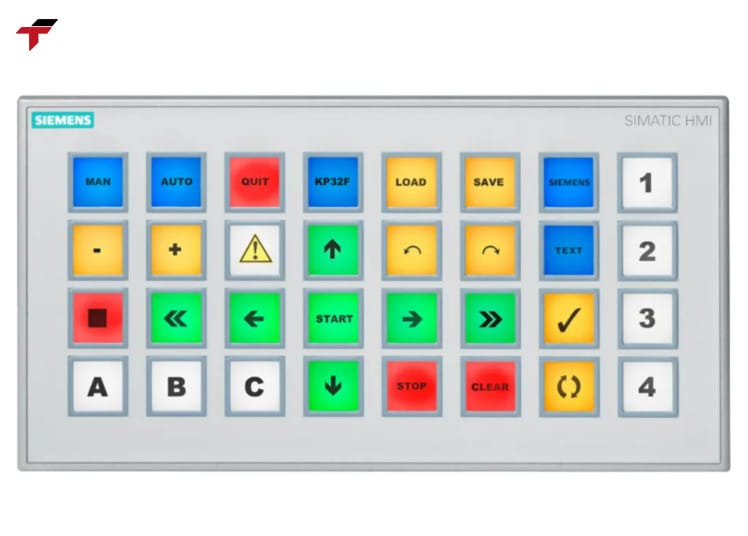
Basic Text and Push-Button HMI Displays
The simplest HMI implementations are text-based status displays paired with physical push buttons or switches. These panels show a limited set of information — a numeric readout, a status light, a short text message — and accept input through dedicated buttons rather than a touch-sensitive surface. They suit machines where the operator needs to monitor one or two parameters and issue a small, fixed set of commands, without the cost or complexity of a full graphic interface.
Graphic Touchscreen HMI Panels
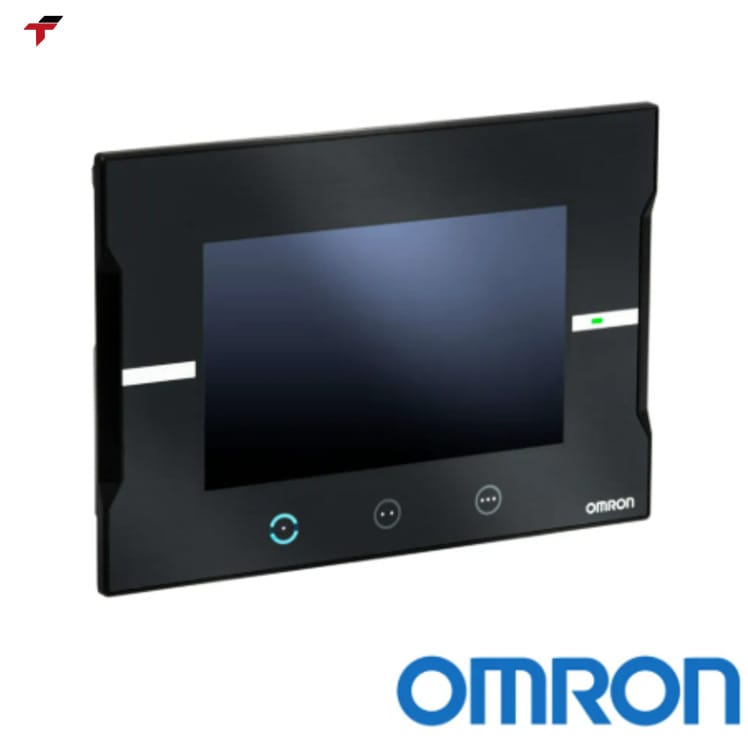
Graphic touchscreen panels are the dominant modern HMI form. Instead of physical buttons and switches, an operator taps or touches the screen directly to navigate menus, adjust setpoints, and view data presented as graphs, charts, or digital dashboards. Touch panels range from single-purpose displays mounted directly on a machine to advanced multi-touch control panels covering an entire production line, and they are what most engineers picture when the term “HMI touch panel” comes up in a specification conversation. Because a touchscreen HMI panel is exposed to factory-floor conditions — dust, vibration, occasional liquid contact — touch technology and environmental rating become real selection factors, covered further below.
PC-Based and Embedded HMI Software
The third category is software-based: an HMI application running on a PC, industrial computer, or embedded device rather than on dedicated panel hardware. This form is common where a facility already runs HMI/SCADA software on a host machine or application server, and where the HMI needs to scale up to cover multiple screens, remote access, or integration with higher-level systems such as SCADA, ERP, and MES platforms. A PC-based or embedded HMI trades some of the ruggedness of a dedicated panel for flexibility in screen size, software features, and connectivity options. Whichever panel type is used, it still has to connect into the plant’s broader control network, which is the next layer to cover.
PC-Based and Embedded HMI Software
HMI, RTU, and SCADA Integration on the Plant Network
A Remote Terminal Unit (RTU) is a microprocessor-controlled device that connects field-level physical inputs and outputs — sensors, breakers, valves, alarms — to a SCADA system, transmitting telemetry data to a master station and relaying control commands back down to connected field devices. Where a PLC typically sits close to the machine it controls, an RTU is more often used to bring remote or widely distributed field points — pipeline sections, pump stations, substations kilometres apart — into a single SCADA network.
In this layered architecture, the HMI is the visualization point, the PLC or RTU handles local I/O and control logic, and SCADA coordinates and records data across the whole system. An operator viewing an HMI screen connected to a SCADA platform may be looking at data that originated from an RTU several kilometres away, translated and scaled from raw analog or digital signals into readable units — water level, pump status, tank pressure — before it ever reaches the display. This is the same layered structure behind common HMI/SCADA software platforms used to design and deploy these systems, which typically support connections to PLCs, RTUs, and third-party devices over standard industrial protocols.
Recap: HMI Fundamentals So Far
So far, this guide has covered what a Human Machine Interface (HMI) is and how it differs from a GUI. It has also covered how an HMI exchanges data with a PLC, how HMI compares to SCADA, the three main HMI panel types, and how HMI fits into a plant’s RTU/SCADA network. Each layer plays a distinct role: the PLC or RTU handles local control logic and field I/O, the HMI translates that data into something an operator can read and act on, and SCADA coordinates and records data across the wider facility. The sections below turn from this technical layering to where HMI panels actually show up in Malaysian plants and how to choose one for local operating conditions.
Common HMI Applications on the Plant Floor
HMI panels appear wherever a plant needs an operator to monitor and interact with equipment in real time. In Malaysian manufacturing specifically, the most common applications include:
- Semiconductor assembly— monitoring process parameters and equipment status on cleanroom production lines in Penang
- Palm oil processing— tracking temperature, pump status, and material flow across extraction and clarification stages
- Food and beverage production— displaying line speed, batch counts, and fill-level data on packaging and filling lines
- Rubber and glove manufacturing— monitoring dipping-line and curing-process parameters
- Water and wastewater treatment— a widely cited example, where an HMI connected to SCADA lets an operator monitor water level, pH, pump status, and dissolved-solids readings remotely, and turn a pump on or off directly from the touchscreen based on tank levels
Across all of these, the underlying pattern is the same: an HMI centralizes data that would otherwise require an operator to walk the floor and check gauges or panels manually, and gives that operator a single console for both monitoring and control. Knowing where HMI panels get used is only half the specification question; choosing the right panel for Malaysian plant conditions is the other half.
Choosing an HMI Panel for Malaysian Plant Conditions
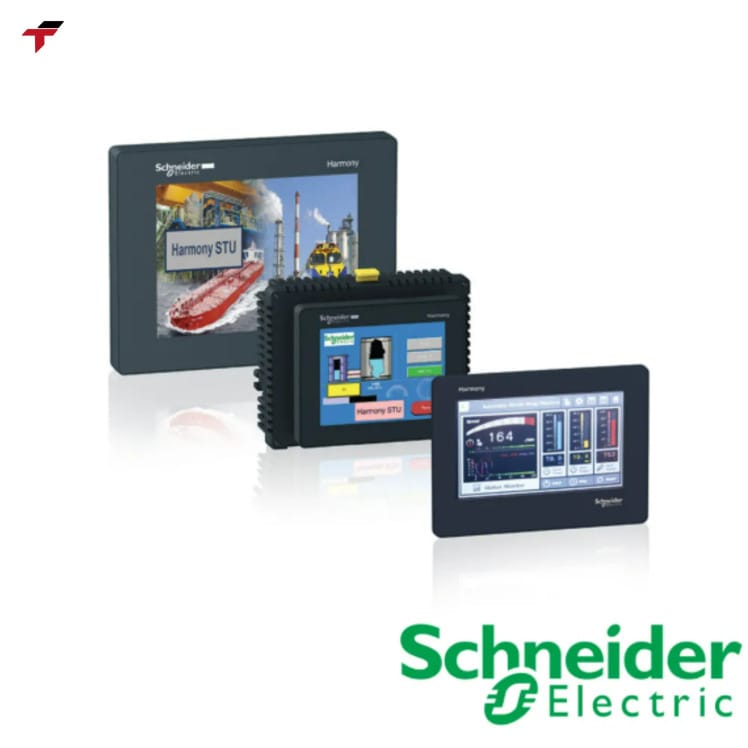
Selecting an HMI panel for a Malaysian plant environment comes down mainly to touch technology, durability, and temperature tolerance, since most industrial facilities here run continuous shifts in hot, humid, and sometimes dusty conditions. The two dominant touch technologies — resistive and capacitive (PCAP) — trade off differently on these factors.
Resistive touchscreens are rated for roughly 1 million to 3.5 million touch cycles before the surface begins to degrade, and typically operate reliably from −20°C up to 70°C (158°F/343K), which comfortably covers most Malaysian factory-floor conditions. They also cost roughly 30-50% less upfront than an equivalent PCAP panel, and they work with a gloved finger or a stylus, which matters on lines where operators wear PPE. Capacitive (PCAP) touchscreens rate significantly higher on durability — commonly rated for 50 million or more touch cycles — and offer a smoother, multi-touch-capable surface closer to a consumer smartphone experience, at a higher initial cost.
For a high-traffic HMI panel where the same touchscreen is used dozens or hundreds of times per shift, the longer-rated PCAP panel often pays for its cost premium in reduced replacement frequency. For a lower-traffic panel, or one where budget takes priority and gloved operation is routine, resistive touch remains a reasonable specification. Either way, confirming the panel’s rated operating temperature range against actual plant conditions — particularly in un-air-conditioned production areas — is worth checking before finalizing a spec. Touch technology and durability are only part of the buying decision; the brand and software ecosystem behind a panel matters just as much.
Choosing an HMI Panel for Malaysian Plant Conditions
HMI Panel Brands and SCADA Software Examples
Proface is one of the more widely specified HMI panel brands in industrial automation, known for a broad range of touchscreen panel sizes and industrial IoT-oriented software integration. On the SCADA software side, Ignition SCADA is a widely used platform for building HMI screens and coordinating SCADA-level data across a plant network, referenced repeatedly across HMI and SCADA vendor documentation as an example of modern HMI/SCADA software design.
These are useful reference points for understanding the breadth of the HMI panel and software market, but they are not part of Flextech Industrial’s current HMI line — Flextech carries Delta and Xinje HMI panels, sourced for Malaysian system integrators and maintenance teams who need local stock and local warranty support rather than the extended import lead times that come with sourcing HMI hardware overseas.
Frequently Asked Questions About Human Machine Interfaces
These frequently asked questions about human machine interfaces cover the specific points system integrators and maintenance engineers most often raise once the core HMI definition, panel types, and network context above are already clear.
What Is the Difference Between HMI and GUI?
The difference between HMI and GUI comes down to scope: GUI (Graphical User Interface) is the broader technical category — any interface built from graphical elements like windows, buttons, and icons that a person interacts with — while an HMI is a GUI applied specifically to industrial monitoring and control, connecting a person to a machine, process, or plant system rather than to general-purpose software.
Does Every PLC Need an HMI?
No — not every PLC-controlled machine requires an HMI. Some systems are designed for a single point of access using physical controls rather than digital ones, and adding an HMI is not always necessary or cost-justified for very simple, fixed-function equipment.
Can an HMI Work Without a PLC?
An HMI is typically deployed as an extension of a PLC system, reading and displaying the PLC’s data rather than generating its own. While simple standalone HMI configurations exist for narrower use cases, the far more common industrial pairing is an HMI connected directly to a PLC.
How Long Does an Industrial HMI Touchscreen Last?
An industrial HMI touchscreen’s lifespan depends on the touch technology used: a resistive touchscreen is typically rated for roughly 1 million to 3.5 million touch cycles before surface degradation, while a capacitive (PCAP) touchscreen is commonly rated for 50 million or more touch cycles — a meaningful factor when specifying a panel for a high-traffic plant-floor position.